Prekės informacija
Prekės aprašymas anglų kalba:
Reliable performance
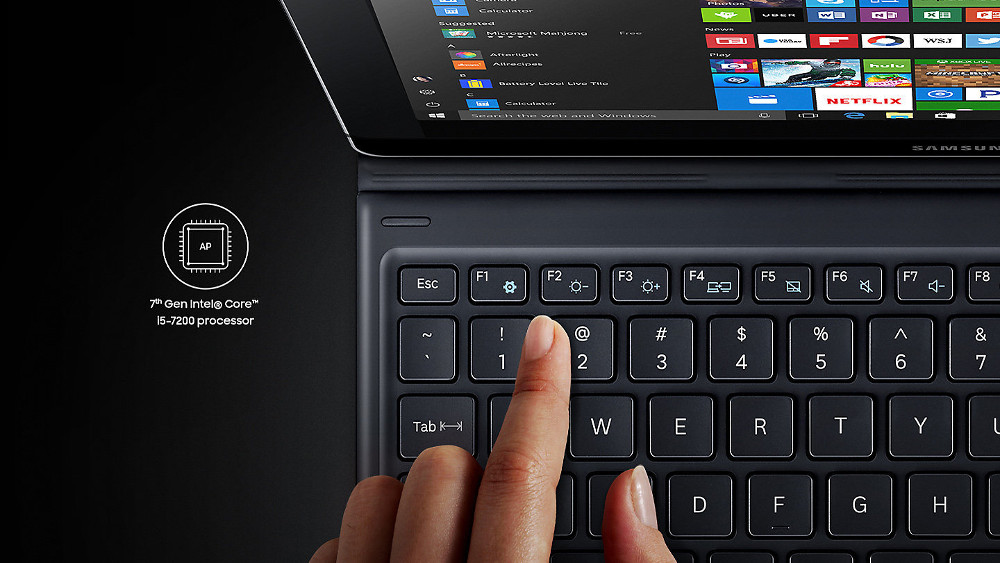
Have your workflow running smoothly and efficiently without interruption. Engineered with the 7th Gen Intel® Core™ processor, Windows 10 and an In-box Island Type Keyboard, the Galaxy Book has all the performance you need to keep you multitasking on the move.*
*10.6 inch model equipped with 7th Gen Intel® Core™ m3 processor.
*12 inch model equipped with 7th Gen Intel® Core™ i5-7200 processor.
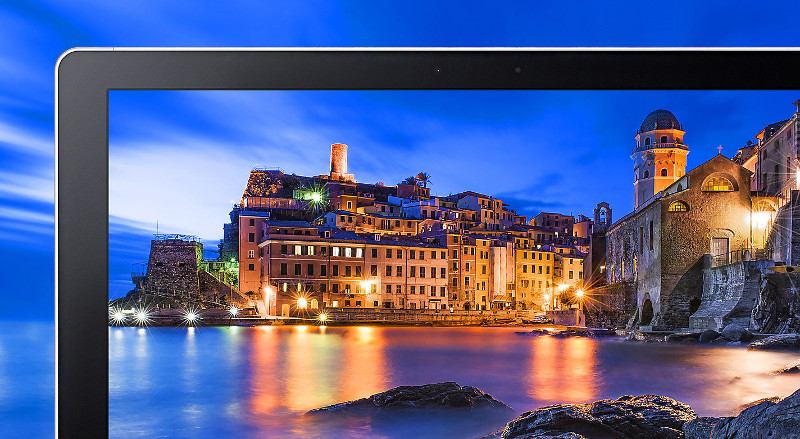
Supremely vivid
Whether you’re working on a presentation or watching that new series, all your content is brought to life on screen, brilliantly. Choose either a bright and crisp 12" sAMOLED display or 10.6" FHD TFT display. And on the Galaxy Book 12" you can fully immerse yourself in HDR videos with stunning detail and true-to-life colours.
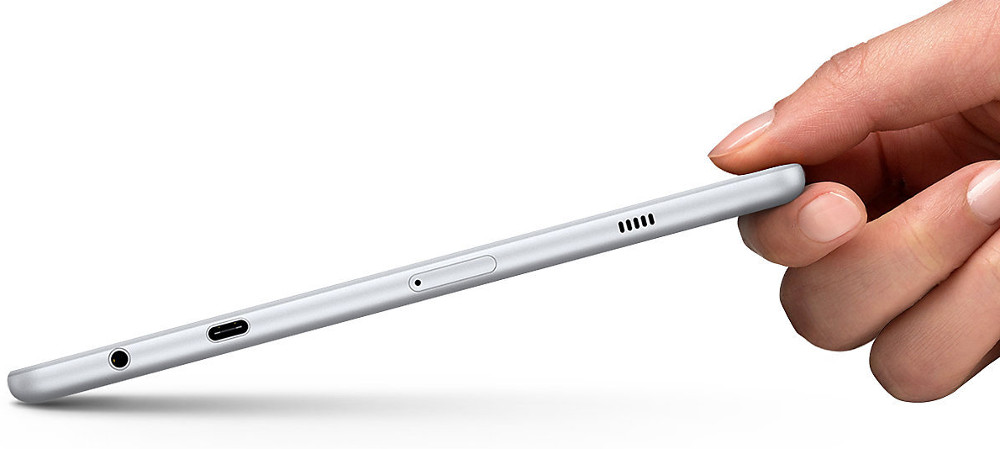
Streamlined for mobility
With eye-catching dimensions made perfect for carrying your life on the go the Galaxy Book defies convention. Its slim, lightweight and portable design makes it the ultimate content companion for wherever your creativity may lead you.
Optimise your workflow
With adjustable angles, the Galaxy Book has unbeatable versatility to work the way you like. Boost your typing capabilities and make everything from drawing and sketching to note taking and marking documents with S Pen easier. Choose from 4 dynamic viewing modes on the 12” Galaxy Book and 3 viewing modes on the 10.6” version.
A refined S Pen
The new in-box S Pen and optimised applications open up a world of possibilities. Boost your productivity and efficiency with enhanced sensitivity, comfortable grip, ultra-precise 0.7mm tip and battery-free operation.
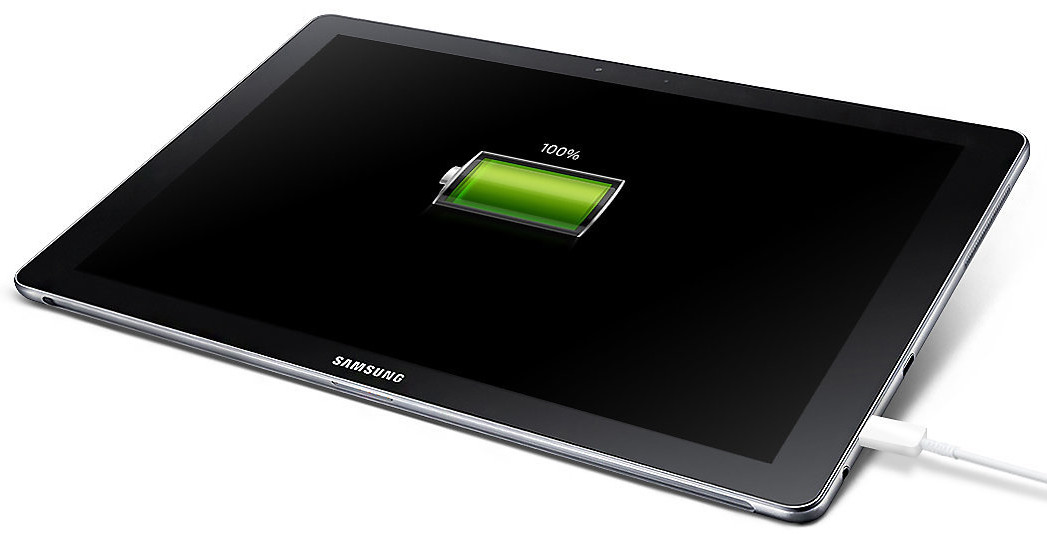
Maximised power
Powerful enough to last even longer so you get everything done. The Galaxy Book gives you approximately 11 hours* of continuous usage on a full charge, so you can enjoy your content whenever you want it without any disruption.
*10.6 inch model grants approximately 9 hours.
Seamless synchronisation
Move beyond wires for good. Samsung Flow syncs with your SAMSUNG smartphone to receive notifications and transfer data as seamlessly as possible. It even lets you start something on a different device, then pause and pick it up again from the same place on your Galaxy Book.
Reliable performance
Have your workflow running smoothly and efficiently without interruption. Engineered with the 7th Gen Intel® Core™ processor, Windows 10 and an In-box Island Type Keyboard, the Galaxy Book has all the performance you need to keep you multitasking on the move.*
*10.6 inch model equipped with 7th Gen Intel® Core™ m3 processor.
*12 inch model equipped with 7th Gen Intel® Core™ i5-7200 processor.
Supremely vivid
Whether you’re working on a presentation or watching that new series, all your content is brought to life on screen, brilliantly. Choose either a bright and crisp 12" sAMOLED display or 10.6" FHD TFT display. And on the Galaxy Book 12" you can fully immerse yourself in HDR videos with stunning detail and true-to-life colours.
Streamlined for mobility
With eye-catching dimensions made perfect for carrying your life on the go the Galaxy Book defies convention. Its slim, lightweight and portable design makes it the ultimate content companion for wherever your creativity may lead you.
Optimise your workflow
With adjustable angles, the Galaxy Book has unbeatable versatility to work the way you like. Boost your typing capabilities and make everything from drawing and sketching to note taking and marking documents with S Pen easier. Choose from 4 dynamic viewing modes on the 12” Galaxy Book and 3 viewing modes on the 10.6” version.
A refined S Pen
The new in-box S Pen and optimised applications open up a world of possibilities. Boost your productivity and efficiency with enhanced sensitivity, comfortable grip, ultra-precise 0.7mm tip and battery-free operation.
Maximised power
Powerful enough to last even longer so you get everything done. The Galaxy Book gives you approximately 11 hours* of continuous usage on a full charge, so you can enjoy your content whenever you want it without any disruption.
*10.6 inch model grants approximately 9 hours.
Seamless synchronisation
Move beyond wires for good. Samsung Flow syncs with your SAMSUNG smartphone to receive notifications and transfer data as seamlessly as possible. It even lets you start something on a different device, then pause and pick it up again from the same place on your Galaxy Book.
Lankytojai taip pat pirko
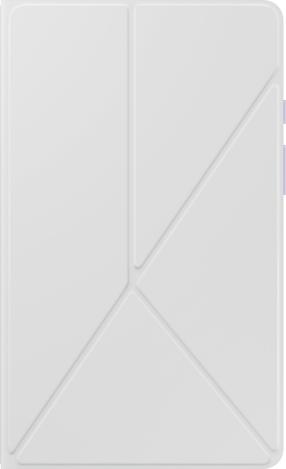
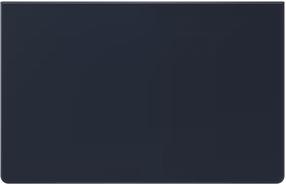
Planšetinių kompiuterių dėklas Samsung Book Cover Keyboard Slim, juoda sp., 14.6"
58,99 €
Įprasta kaina
110,90 €
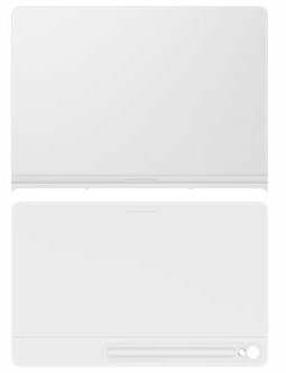
Planšetinių kompiuterių dėklas Samsung Smart Book Cover Galaxy Tab S10 FE+, balta sp., 10.9"
65,90 €
Įprasta kaina
101,90 €
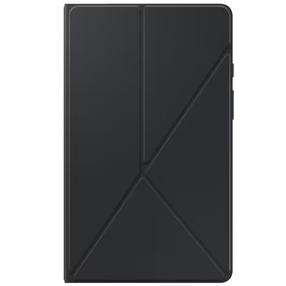
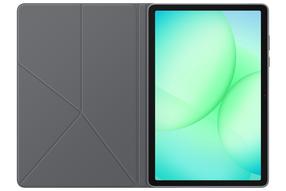
Planšetinių kompiuterių dėklas Samsung EF-BX230PBEGWW, juoda sp., 10.9-11"
35,86 €
Įprasta kaina
48,99 €