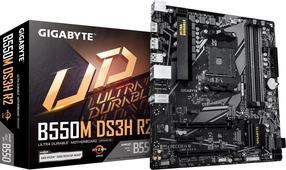
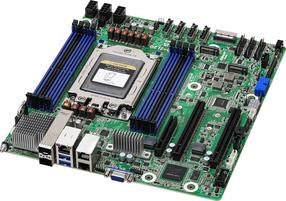
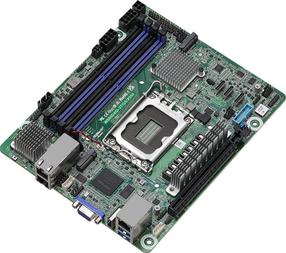
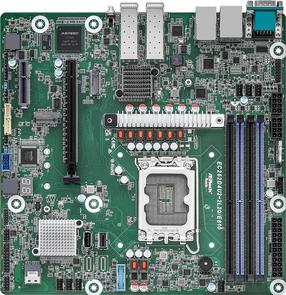
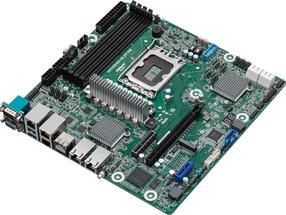
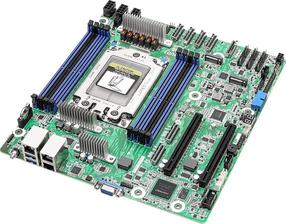
Direct 6+2 Phases Digital VRM Solution with Low RDS(on) MOSFETs Cleaner and more efficient power delivery to the CPU with better thermal performance ensure stability under high CPU frequencies and heavy loading.Digital PWM Controller to deliver appropriate voltage to the CPU.Direct 6+2 Phases Low RDS(on) MOSFETs without PWM Doublers, each power phase connects directly to the CPU.All-solid capacitors to improve transient response and minimize oscillation.8-pin Solid Pin CPU Power Connector.Smart Fan 6 contains several unique cooling features that ensure gaming PC maintain its performance while staying cool and quiet. Multiple fan headers can support PWM/DC fan and pump, and users can easily define each fan curve based on different temperature sensors across the board via intuitive user interface.Cooling FeaturesHigh Current SupportEach fan headers support PWM and DC fan and Water cooling Pump , and up to 24W (12V x 2A) with Over-Current ProtectionPrecision ControlUp to 7 temperature/fan speed control points for precise fan curveDual Curve ModeSlope/Stair dual mode for different user scenarioFan StopFan can stop completely below users' specified temperature pointDual PCIe 4.0/3.0 x4 M.2 ConnectorsGIGABYTE Ultra Durable Motherboards are focused on delivering M.2 technology to enthusiasts who want to maximize their Systems’ potential.RGB FUSION 2.0With B560 Motherboard, RGB Fusion 2.0 is even better with Addressable LEDs.* RGB Fusion 2.0 offers users the option to control onboard RGB and external RGB / Addressable LED light strips for their PC. Already feature filled with colors and patterns, RGB Fusion 2.0 on B560 Series Motherboards are now upgraded with Addressable LED support. With external Addressable LED strips*, where each LED is digitally addressable, users can experience even more patterns, styles, and illuminations.Solid Pin Power ConnectorsB560 motherboards feature solid plated ATX 12V 8pin power connectors to offer a stable power supply during CPU overloading.Refreshed BIOSThe BIOS is essential for users during initial setup to allow for the most optimal settings. With a new GUI and easier to use functionalities, GIGABYTE has been able to reinvent the BIOS to give users a better experience while setting up their new system.