

Prekės informacija
ASUS MG278Q
Prekės aprašymas anglų kalba:
Prekės aprašymas anglų kalba:
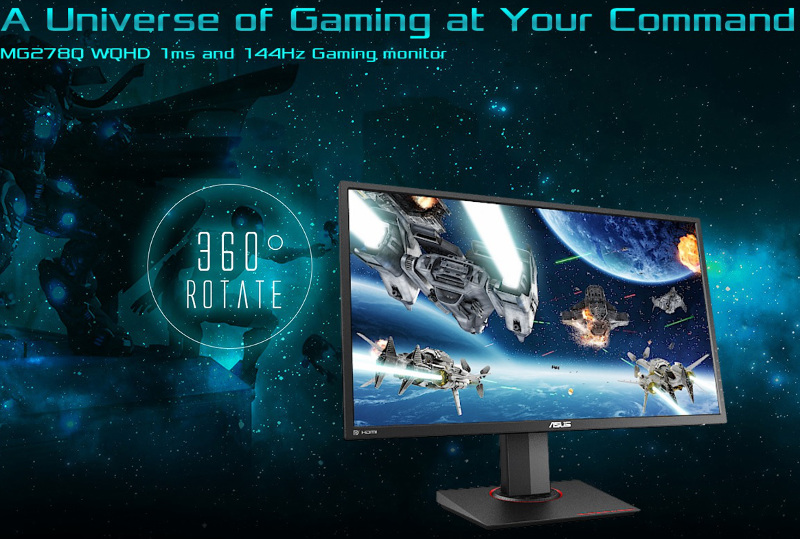
The MG278Q gaming display is built for victory in the professional gaming arena, and features a WQHD panel with a 144Hz refresh rate and 1ms fast response time. Its ergonomic design, together with Flicker-Free and Ultra Low Blue Light technology, ensure you stay comfortable during those marathon gaming sessions.
The MG278Q represents a new generation of displays, with a WQHD 2560 x 1440 panel with a pixel density of 109 pixels per inch. You get to enjoy greater image detail and up to 77% more onscreen desktop space than standard Full HD (1920 x 1080) displays. These little details add up to help you better immerse yourself in the game.
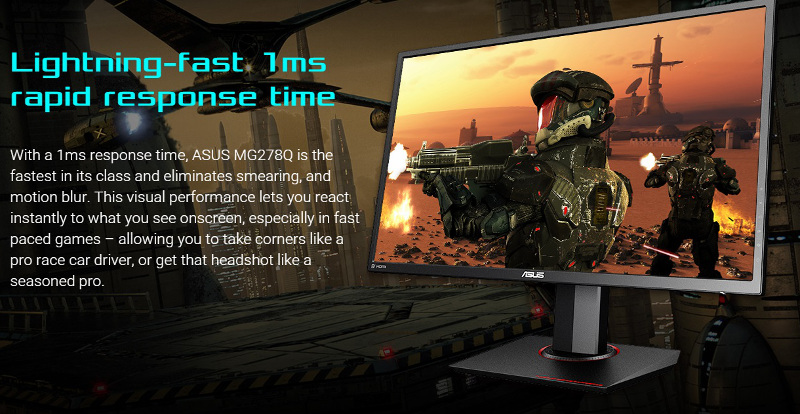
With a 1ms response time, ASUS MG278Q is the fastest in its class and eliminates smearing, and motion blur. This visual performance lets you react instantly to what you see onscreen, especially in fast paced games – allowing you to take corners like a pro race car driver, or get that headshot like a seasoned pro.
Incredible144Hz refresh rate. With an astonishing 144Hz refresh rate, fast moving visuals pose no problem for the MG278Q, so you can say goodbye to motion blur and gain the upper hand in first person shooters, racers, real-time strategy and sports titles. MG278Q features AMD FreeSync™ technology* – it eliminates screen tearing and choppy frame rates to give you seamless visuals and smooth gameplay.
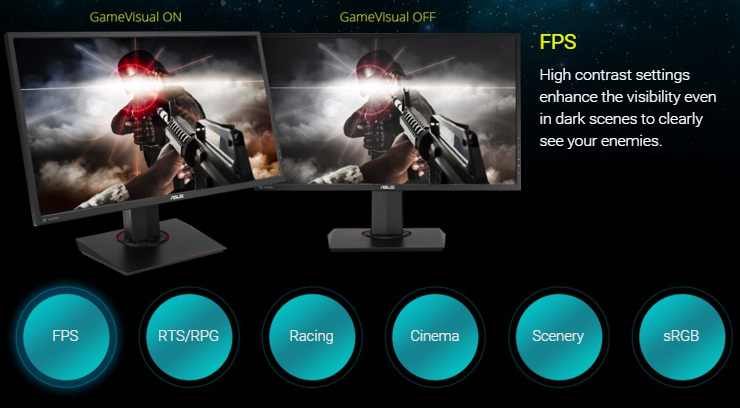
ASUS-exclusive GameVisual technology. ASUS GameVisual Technology gives you six pre-set display modes tailored to suit different types of scenarios. This unique feature can be easily accessed through a hotkey or the On Screen Display (OSD) settings menu.
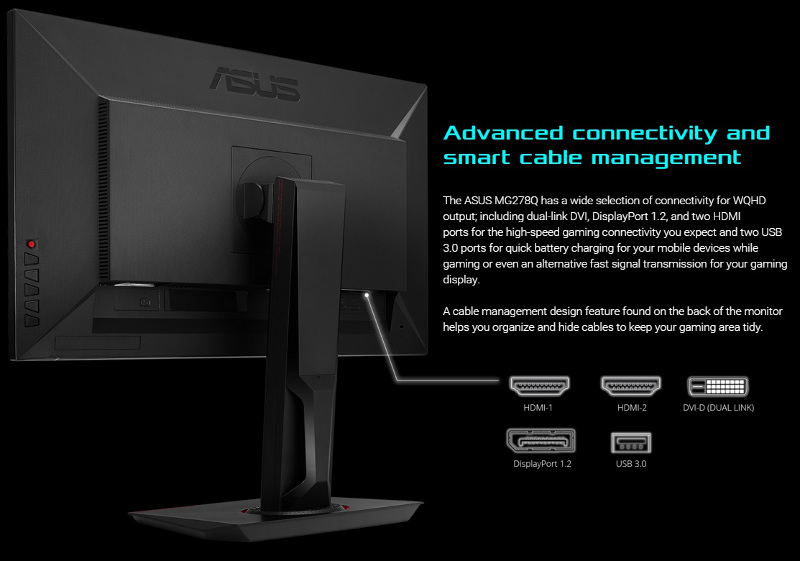 Ergonomic design. The MG278Q Gaming Monitor is specially designed for long marathon gaming sessions. Its slim profile and super-narrow bezel makes it perfect for almost seamless multi-display setups. The MG278Q also has an ergonomically-designed stand with tilt, swivel, pivot and height adjustment so you can always find that ideal viewing position. A quick-release design lets you separate the monitor from its stand so it can be VESA wall-mounted.
Lankytojai taip pat pirko

TOP prekė
TOP prekė
TOP prekė
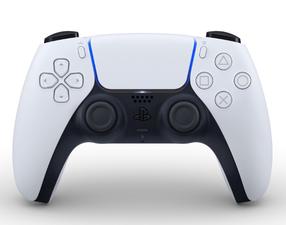
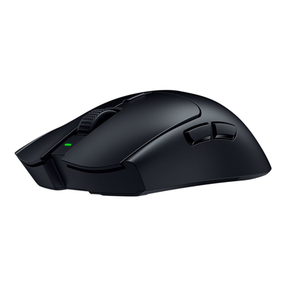
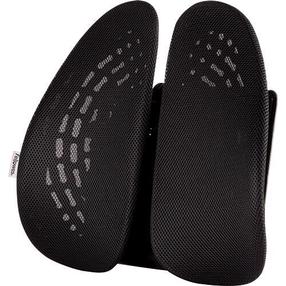
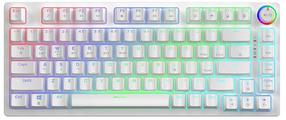
Belaidė žaidimų klaviatūra Savio Phenix Gateron Red Pro, Anglų (US), white pudding sp.
53,09 €
Įprasta kaina
60,90 €
TOP prekė

TOP prekė
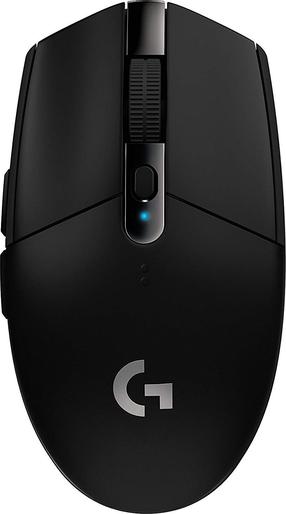
Belaidė žaidimų pelė Logitech G305 Hero Lightspeed 910-005282, 2.4ghz / usb, juoda sp.
30,09 €
Įprasta kaina
36,50 €
TOP prekė
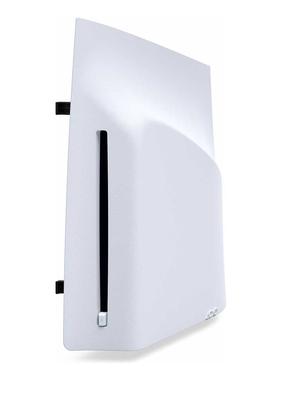
Diskų skaitytuvas žaidimų konsolei Sony PS5® Digital Edition SLIM / PS5 Pro
99,90 €
Įprasta kaina
117,90 €


