Prekės informacija
Eizo FlexScan EV2750
Prekės aprašymas anglų kalba:
World’s Thinnest Bezels for Multi-Monitor Environments
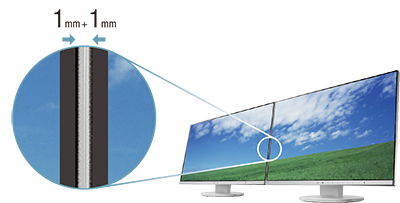
The monitor features ultra-slim bezels of just 1 mm on the sides and top with black borders of 5.7 mm or less on the LCD panel perimeter. The cabinet depth is a mere 48.5 mm. This makes for an attractive design that blends in with the desktop and reduces eye movement in a multi-monitor setup.
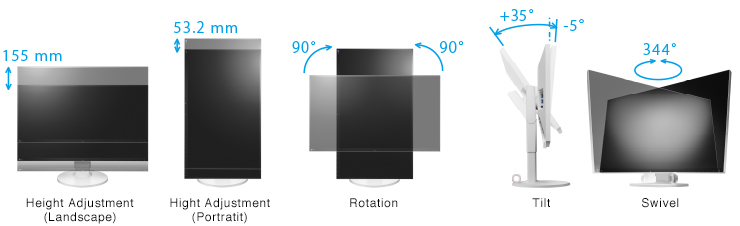
Best Positioning with Flexible Stand
Clear View From All Angles
The monitor uses an LED-backlit IPS (in-plane switching) LCD panel with 178° viewing angle that minimizes color shift and contrast changes when viewing the screen at an angle.
Flicker-Free
Due to the way brightness is controlled on LED backlights, many people perceive flicker on their screen which causes eye fatigue. The FlexScan EV series makes flicker unperceivable without any drawbacks like compromising color stability.
Auto Brightness Control
To prevent eye fatigue, a brightness sensor called Auto EcoView detects the changes in the ambient brightness that occurs throughout the day and automatically adjusts the screen to the ideal brightness level.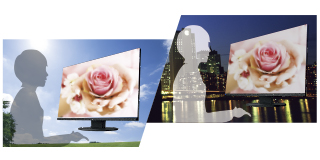 Less Blue Light Reduces Eye Fatigue
In the visible light spectrum, blue light has wave lengths adjacent to ultraviolet light. Compared to the factory preset setting of 6,500 K of typical LCD monitors, Paper Mode is closer to the spectral distribution with long reddish wavelengths so it reduces the amount of blue light, a cause of eye fatigue, and helps prevent eyestrain when reading documents.
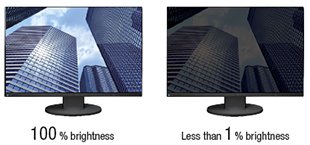
Adjustable to Less Than 1% of Maximum Brightness
In a dimly-lit work environment, a monitor with low brightness settings is more comfortable to use. With its LED backlight, the monitor is adjustable to 1 cd/m² which is less than 1% of the maximum.
Picture by Picture
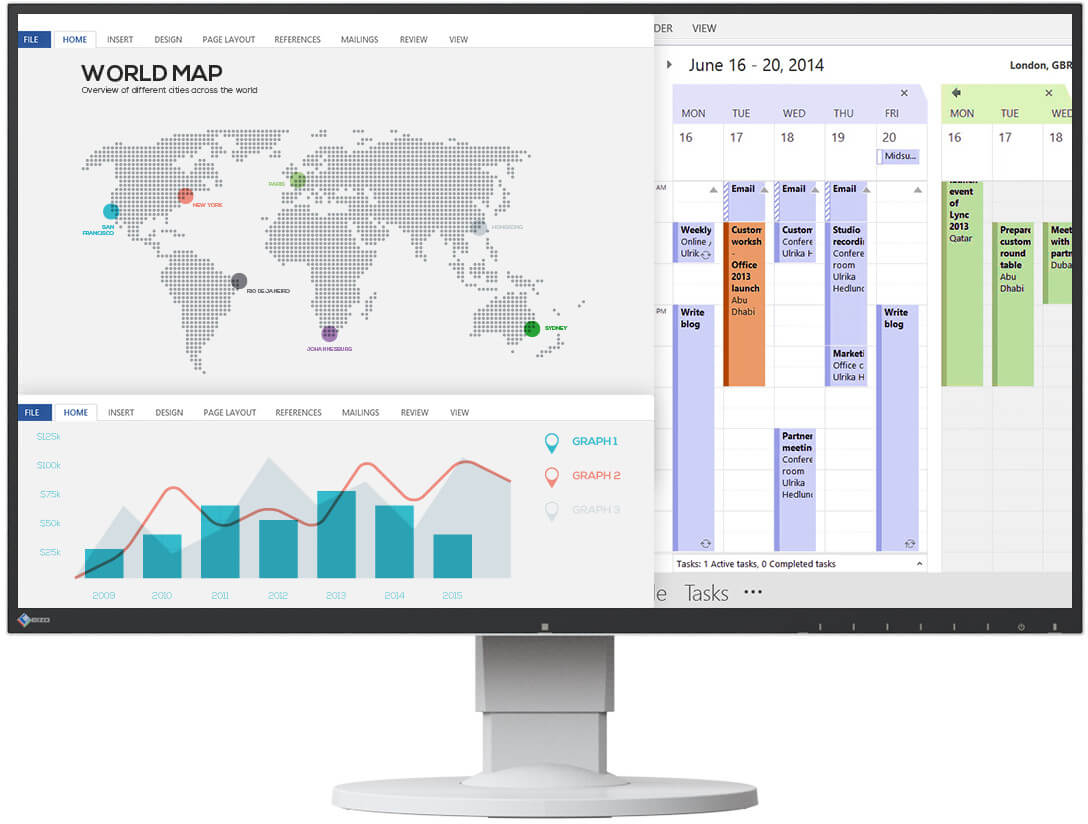
The FlexScan EV2750 lets you view data from two input sources at once such as a Windows and a Macintosh computer with no distracting bezel in between.
LED Backlights – Less Power, Longer Life
Compared to CCFL backlights, LED backlights last longer and consume less power. They are also mercury-free for minimal environmental impact.
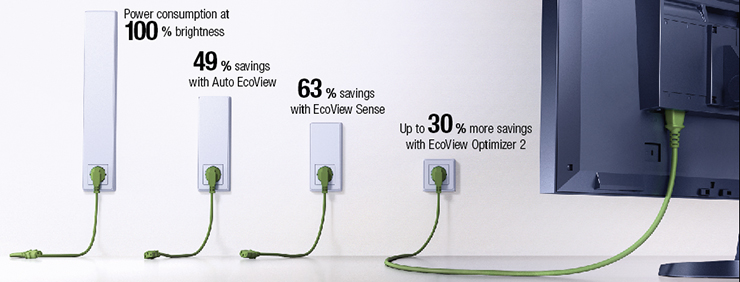
Reduce Power by up to 30%
A new feature called EcoView Optimizer 2 saves energy by up to 30% by reducing the backlight brightness and increasing the gain. To maintain image quality, EcoView Optimizer 2 only boosts the gain with a screen consisting mostly of dark content because the accompanying reduction in brightness is almost unperceivable.
Prekės aprašymas anglų kalba:
World’s Thinnest Bezels for Multi-Monitor Environments
The monitor features ultra-slim bezels of just 1 mm on the sides and top with black borders of 5.7 mm or less on the LCD panel perimeter. The cabinet depth is a mere 48.5 mm. This makes for an attractive design that blends in with the desktop and reduces eye movement in a multi-monitor setup.
Best Positioning with Flexible Stand
Clear View From All Angles
The monitor uses an LED-backlit IPS (in-plane switching) LCD panel with 178° viewing angle that minimizes color shift and contrast changes when viewing the screen at an angle.
Flicker-Free
Due to the way brightness is controlled on LED backlights, many people perceive flicker on their screen which causes eye fatigue. The FlexScan EV series makes flicker unperceivable without any drawbacks like compromising color stability.
Auto Brightness Control
To prevent eye fatigue, a brightness sensor called Auto EcoView detects the changes in the ambient brightness that occurs throughout the day and automatically adjusts the screen to the ideal brightness level.
In the visible light spectrum, blue light has wave lengths adjacent to ultraviolet light. Compared to the factory preset setting of 6,500 K of typical LCD monitors, Paper Mode is closer to the spectral distribution with long reddish wavelengths so it reduces the amount of blue light, a cause of eye fatigue, and helps prevent eyestrain when reading documents.
Adjustable to Less Than 1% of Maximum Brightness
Picture by Picture
The FlexScan EV2750 lets you view data from two input sources at once such as a Windows and a Macintosh computer with no distracting bezel in between.
LED Backlights – Less Power, Longer Life
Compared to CCFL backlights, LED backlights last longer and consume less power. They are also mercury-free for minimal environmental impact.
Reduce Power by up to 30%
A new feature called EcoView Optimizer 2 saves energy by up to 30% by reducing the backlight brightness and increasing the gain. To maintain image quality, EcoView Optimizer 2 only boosts the gain with a screen consisting mostly of dark content because the accompanying reduction in brightness is almost unperceivable.
Lankytojai taip pat pirko

0 % PABRANGIMAS 12 MĖN.
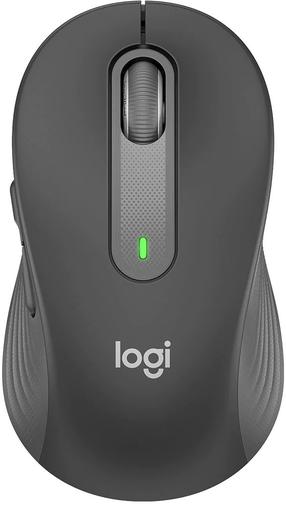
Belaidė kompiuterinė pelė Logitech Signature M650 910-006253, bluetooth, pilka sp.
27,90 €
Įprasta kaina
35,90 €

TOP prekė
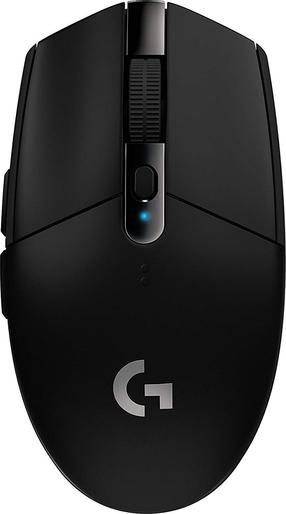
Belaidė žaidimų pelė Logitech G305 Hero Lightspeed 910-005282, 2.4ghz / usb, juoda sp.
29,95 €
Įprasta kaina
48,50 €
TOP prekė
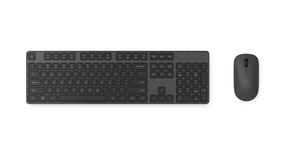
Belaidis klaviatūros ir pelės komplektas Xiaomi BHR6100GL, EN, juoda sp.
Įprasta kaina
26,50 €
TOP prekė
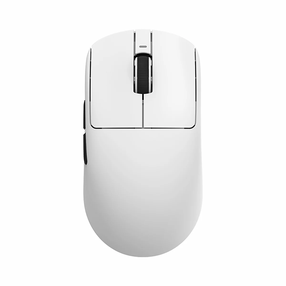
Belaidė žaidimų pelė VXE Dragonfly R1 SE Plus Wireless VXE-R1-SE-PLUS-WHITE, 2.4ghz / usb, balta sp.
27,90 €
Įprasta kaina
38,90 €
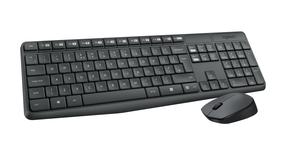
Belaidis klaviatūros ir pelės komplektas Logitech MK235, EN, juoda sp./pilka sp.
25,95 €
Įprasta kaina
45,99 €
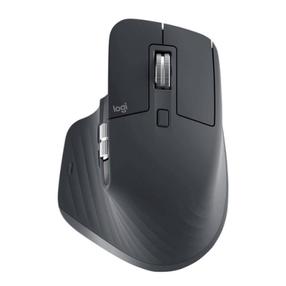
Belaidė kompiuterinė pelė Logitech MX Master 3S Business 910-006582, bluetooth / usb, grafito sp.
72,90 €
Įprasta kaina
86,90 €