

Prekės informacija
Prekės aprašymas anglų kalba:
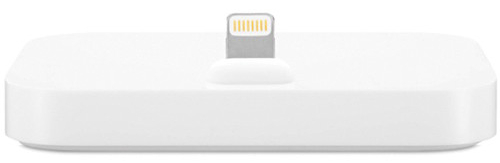
Charge and sync any iPhone that features the Lightning connector with the iPhone Lightning Dock. Your iPhone sits upright in the dock as it syncs or charges, so it’s perfect for a desk or worktop. Even when your iPhone is in an Apple-designed case, it’s easy to dock. And you can unlock iPhone or use Touch ID without having to remove it from the dock. The iPhone Lightning Dock features an audio port so it can be used with headphones that include a remote control or line-out to connect to powered speakers. And it supports other Lightning accessories, such as the Lightning to USB Cable (included with your iPhone). You can even conduct speakerphone calls with your iPhone in the dock.
Here are some ways you can use the iPhone Lightning Dock:
Connect the dock to your computer with the USB cable (included with your iPhone) to sync iPhone and charge its battery.
Connect the dock to a power point using the Apple USB Power Adapter (included with your iPhone) to charge the battery.
Place your iPhone in the dock and enjoy clear audio during speakerphone calls.
Connect the dock to powered speakers or a stereo using a 3.5-mm cable (sold separately) to play music and podcasts from your iPhone.
Apple Distribution International Ltd. Hollyhill Industrial Estate Hollyhill, Cork, Ireland enterprise@apple.com
Lankytojai taip pat pirko
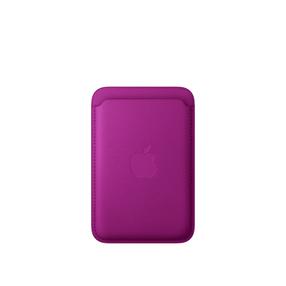
Piniginė Apple FineWoven, rožinė "magenta" sp.
Įprasta kaina
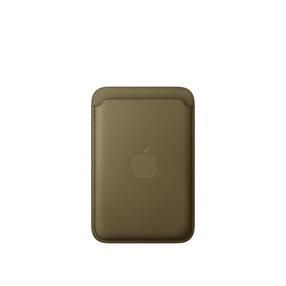
Piniginė Apple FineWoven, dark olive
Įprasta kaina
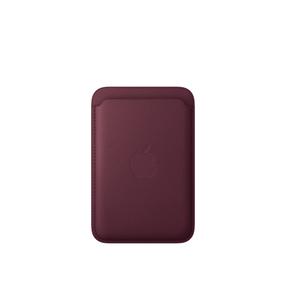
Piniginė Apple FineWoven, burgundy sp.
Įprasta kaina
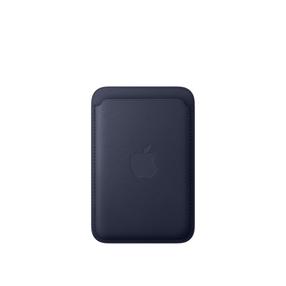
Piniginė Apple FineWoven, navy sp.
Įprasta kaina
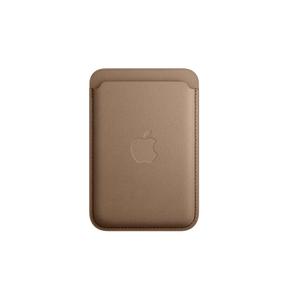
Piniginė Apple FineWoven Wallet with MagSafe MT243ZM/A, ruda sp.
Įprasta kaina

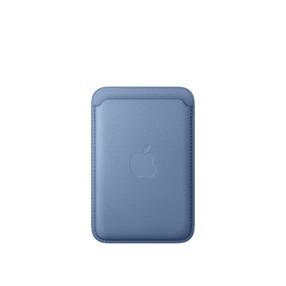
Piniginė Apple FineWoven, wildflower blue
Įprasta kaina
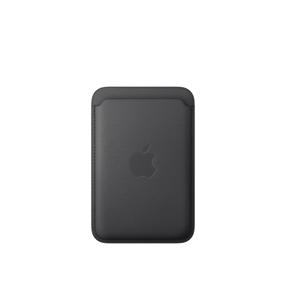
Piniginė Apple FineWoven, juoda sp.
Įprasta kaina
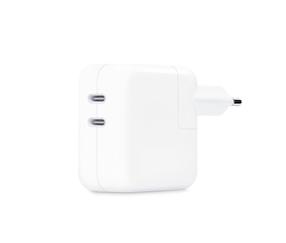
Nešiojamo kompiuterio įkroviklis Apple Dual USB-C Power Adapter MW2K3ZM/A, 35 W, 100 - 230 V
Įprasta kaina
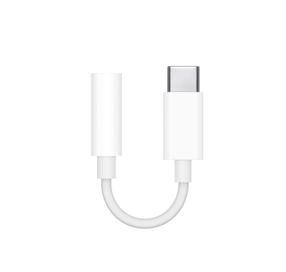
Adapteris Apple USB Type-C Male (vyriška), 3.5 mm Female (moteriška), balta sp.
Įprasta kaina


