

Prekės informacija
Preces apraksts angļu valodā:
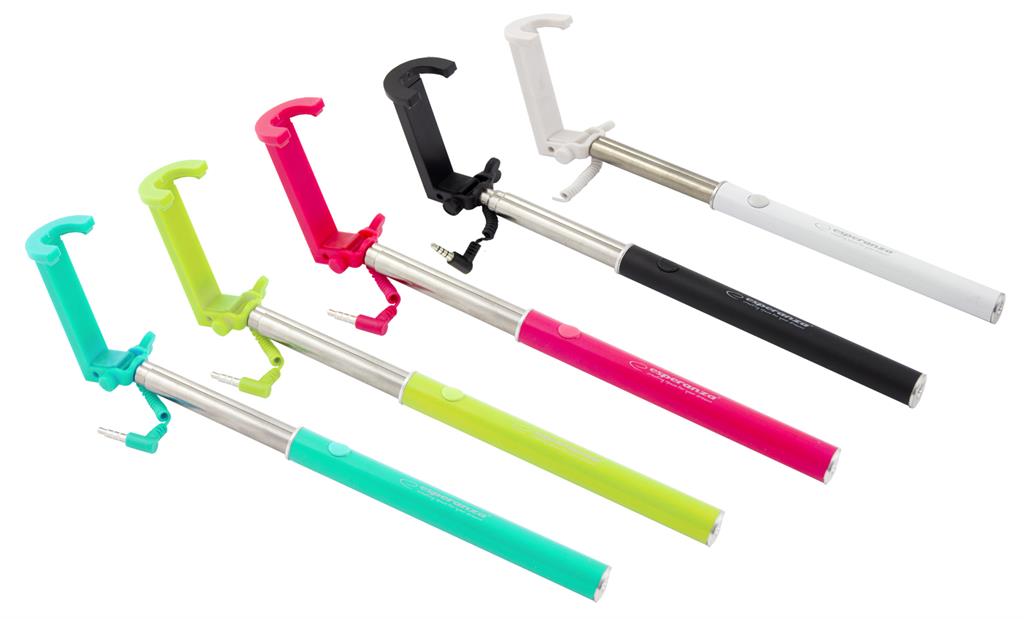
Product description:
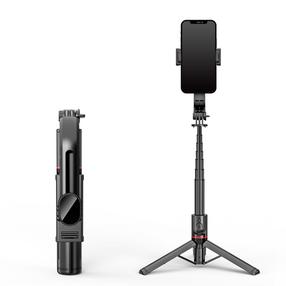
- Handle, boom, monopod for smartphones - a very convenient way to take the so-called "Selfie".
- Ideally suited for taking self-portraits and taking shots from further distances and higher perspectives.
- Monopod equipped with a cable terminated with a minijack connector - after connecting it to the headphone jack on phones / tablets, pressing the button on the mono-pole handle takes the picture - it is necessary to open the camera application on the phone / tablet earlier.
- Works with smartphones and tablets with iOS installed (version 6.0 or newer) or Android (version 4.2 or newer).
- Thanks to the telescopic construction, you can extend and shorten it comfortably.
- The adjustable head allows tilting the camera.
- When folded, it takes up little space - it fits in your pants pocket.
Technical Specifications:
- Requires connector: mini jack 3.5mm
- Max. smartphone weight: 500g,
- The length of the monopod: 24 - 66.5 cm
- Cooperation with iOS (version 6.0 or newer) or Android (version 4.2 or newer).
- Movable head with 1/4 inch thread
- Material: Steel
Note:
In order for the monopods to function properly, the camera should assign the camera recording function to the volume key in the camera settings.
On some phones, you may need to install an additional application (e.g. "Camera 360") from the Google Play Store.
Lankytojai taip pat pirko

TOP prekė
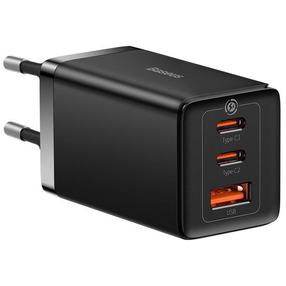
Telefono įkroviklis Baseus GaN5 Pro, 2 x USB Type C /1 x USB, 100 cm, juoda sp., 65 W
29,99 €
Įprasta kaina
39,99 €
TOP prekė
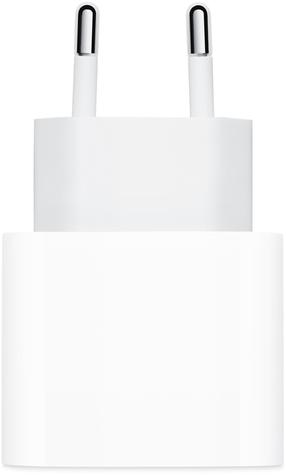
Telefono įkroviklis Apple MD3J4ZM/A MD3J4ZM/A, 1 x USB Type C, balta sp., 20 W
17,49 €
Įprasta kaina
32,90 €
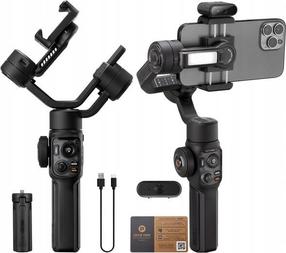
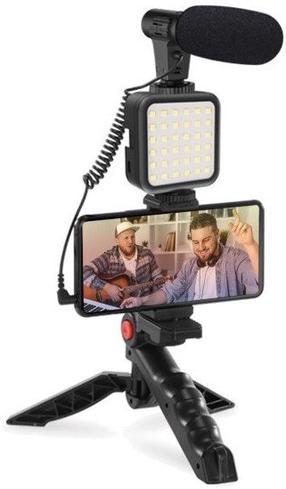
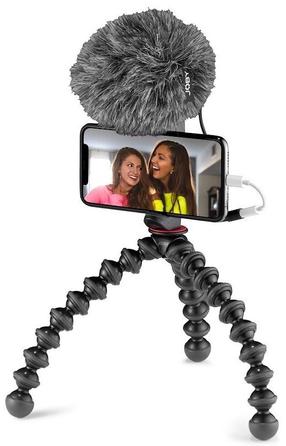
Telefono laikiklio rinkinys JOBY GorillaPod Creator Kit JB01729-BWW, juoda sp., 5 - 6.7 "
68,90 €
Įprasta kaina
79,90 €
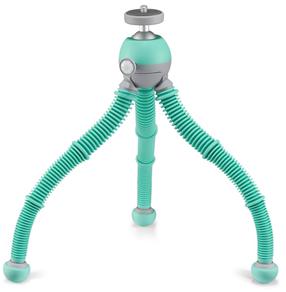
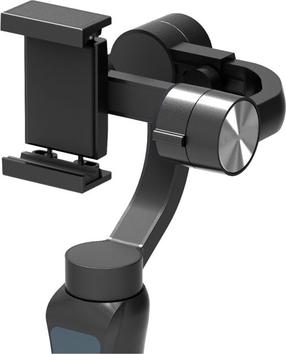
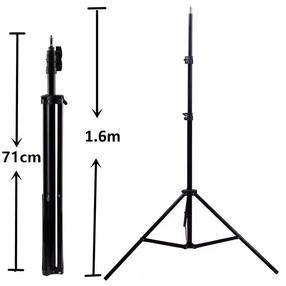
Elight 16M Premium Stable Metal Tripod Stand 1.6m max 1/4 screw Led Ring / Camera fix Black
13,99 €
Įprasta kaina
18,99 €


